

OpenClaw, Hermes Agent, Claude Code, OpenAI Codex, Manus AI, Lindy, Viktor, and VM0 are often discussed as if they were interchangeable AI agents. They are built for different jobs. OpenClaw and Hermes are self-hosted agent systems. Claude Code and Codex work around code. Manus operates a cloud computer. Lindy, Viktor, Claude Tag, and VM0 take on work for teams.
That distinction matters more than the model name.
People searching for these products are already asking the right practical questions: “OpenClaw vs Claude Code,” “Hermes Agent with UI,” “Codex without terminal,” and “Viktor AI alternative.” They are trying to learn how much setup is involved, whether the agent can use their work tools, and who has to keep it running after the first demo.
This guide answers those questions without requiring you to understand code, model APIs, or agent architecture.
Table of contents
- The AI agent map in one table
- Why every product gets called an agent
- OpenClaw and Hermes Agent
- Claude Code and OpenAI Codex
- Manus, Claude Cowork, and ChatGPT Agent
- Claude Tag, Lindy, Viktor, and VM0
- n8n, Zapier, and Make
- How to choose an AI agent
- Frequently asked questions
The AI agent map in one table
Here is the short version. The “setup” column describes the practical burden for a non-developer, not the quality of the product.
| Product | What it actually is | Best fit | Where it works | Setup for a non-developer |
|---|---|---|---|---|
| OpenClaw | Self-hosted personal agent gateway | Power users who want control over a personal agent | Your computer or server, connected to chat apps | High |
| Hermes Agent | Self-improving, open-source agent system | Technical users who value memory, skills, and model choice | Desktop, CLI, your server, or cloud infrastructure | Medium to high |
| Claude Code | Software engineering agent | Building, reviewing, and changing software | Terminal, desktop, IDE, and web | Medium, but code knowledge still helps |
| OpenAI Codex | Software engineering agent suite | Parallel coding tasks and repository work | App, CLI, IDE, cloud, and ChatGPT | Medium, but built around repositories |
| Claude Cowork | General knowledge-work agent | Multi-step work across files and selected tools | Desktop, web, and mobile | Low |
| Manus AI | General cloud agent with its own virtual computer | Research, websites, files, and finished deliverables | Web and Manus apps | Low |
| Claude Tag | Shared Claude agent for a team | Delegating work from Slack | Slack | Low for users; admin setup required |
| Lindy AI | No-code business agent and workflow product | Inbox, meetings, sales, and customer operations | Slack and web | Low to medium |
| Viktor AI | One shared AI employee | Team-wide work delegated from chat | Slack and Microsoft Teams | Low |
| VM0 | Managed AI agent platform for recurring team work | Multiple specialized agents working across business tools | Slack and web | Low |
You can understand most of the market through five groups:
- Personal agents you operate: OpenClaw and Hermes Agent.
- Coding agents: Claude Code, OpenAI Codex, Cursor, Devin, and Replit Agent.
- General digital workers: Manus, Claude Cowork, and ChatGPT Agent.
- AI agents for teams: Claude Tag, Lindy, Viktor, and VM0.
- Automation products with agent features: n8n, Zapier, Make, and Activepieces.
The products overlap. OpenClaw can run coding agents. Codex can use code to complete work beyond feature development. Lindy can build workflows. VM0 can handle engineering tasks. The group still tells you what each product expects from its user.
Why every product gets called an agent
An AI agent is software that receives a goal, decides what to do next, uses tools, checks the result, and continues until it reaches a stopping point. A chatbot mainly produces an answer. An agent can take actions.
That simple definition covers many different products.
An agent model provides the reasoning. An agent runtime keeps the loop running and gives the model memory, tools, files, and permissions. An agent product turns those parts into something a person or team can use. A workflow defines work that should happen again, often on a schedule or after an event.
OpenClaw is commonly called an AI agent framework, but its own documentation calls it a self-hosted gateway. Hermes Agent includes a runtime, desktop application, memory, skills, and a gateway. Claude Code and Codex package the agent loop around software work. Manus packages it around a cloud computer. VM0 packages it around team delegation and connected business tools.
So when someone asks, “What is the best AI agent framework?” the useful response starts with another question: Do you want to operate an agent, build with an agent, or give work to an agent?
OpenClaw and Hermes Agent: personal agents you operate
OpenClaw and Hermes Agent attract the same kind of curiosity. Both promise an agent that remembers you, works through tools, accepts messages from familiar channels, and stays available after you close a chat tab. Both also give the operator far more responsibility than a hosted business agent.
What is OpenClaw AI?
OpenClaw is an MIT-licensed, self-hosted gateway for AI agents. You run its Gateway on your own computer or server, connect a model provider, and reach the agent through channels such as Slack, Telegram, WhatsApp, Signal, Discord, and iMessage.
OpenClaw includes sessions, memory, tools, skills, scheduled jobs, webhooks, a browser control panel, and multi-agent routing. Its appeal is ownership. The machine, configuration, model choice, channels, and data path remain under the operator’s control.
That control comes with a job description. Someone must install Node, configure the model, manage provider credentials, keep the Gateway online, review exposed channels, update the system, and respond when a plugin or integration breaks. OpenClaw’s own documentation says it is for developers and power users.
Choose OpenClaw if: you want a personal, self-hosted AI assistant and enjoy owning the setup.
Skip OpenClaw if: your sales or operations team simply wants to connect work apps and delegate tasks without maintaining a server.
Is OpenClaw free? The software is open source, but a working setup can still incur model, server, storage, and maintenance costs. “Free to install” and “free to operate” are different claims.
For a deeper account of its growth and product idea, read why OpenClaw and Hermes broke out.
What is Hermes Agent?
Hermes Agent is an open-source agent from Nous Research. The company describes it as self-improving because it can create skills from prior work, refine those skills during use, search old conversations, and build persistent knowledge about the user.

Hermes is no longer only a terminal experience. Hermes Desktop is available for macOS and Windows, with Linux installation supported through the terminal. The system can connect to Telegram, Discord, Slack, WhatsApp, Signal, email, and CLI sessions. It also supports scheduled tasks, isolated sub-agents, web browsing, several model providers, and multiple execution backends.
The desktop interface lowers the entry barrier. The underlying product still rewards technical confidence. Model selection, infrastructure choices, tool permissions, remote deployment, and debugging remain part of the experience for serious use.
Choose Hermes Agent if: persistent memory, model flexibility, generated skills, and an extensible personal setup matter most.
Skip Hermes Agent if: nobody on your team wants to own an agent system after installation.
OpenClaw vs Hermes Agent
OpenClaw has the clearer personal-assistant concept: one self-hosted Gateway that brings an agent into your existing chat channels. Hermes emphasizes learning, memory, skill creation, sub-agents, and flexible execution.
For a non-developer, the choice is less about which agent is smarter. It is about which technical owner you have. If the answer is “nobody,” a managed agent product will usually reach useful work faster.
Claude Code and OpenAI Codex: agents built around code
Claude Code and Codex created much of the excitement around agents because software gives them a clear environment. They can inspect files, change them, run tests, read errors, try again, and propose a finished change. The feedback loop is visible and measurable.
Recent desktop and web products have made both agents easier to start. Their working language is still the repository: branches, diffs, tests, pull requests, commands, and deployment environments.
What is Claude Code?
Claude Code is Anthropic’s software engineering agent. It can read a codebase, edit files, run commands, review changes, and work on delegated engineering tasks. It is available through terminal, desktop, IDE, and web experiences.
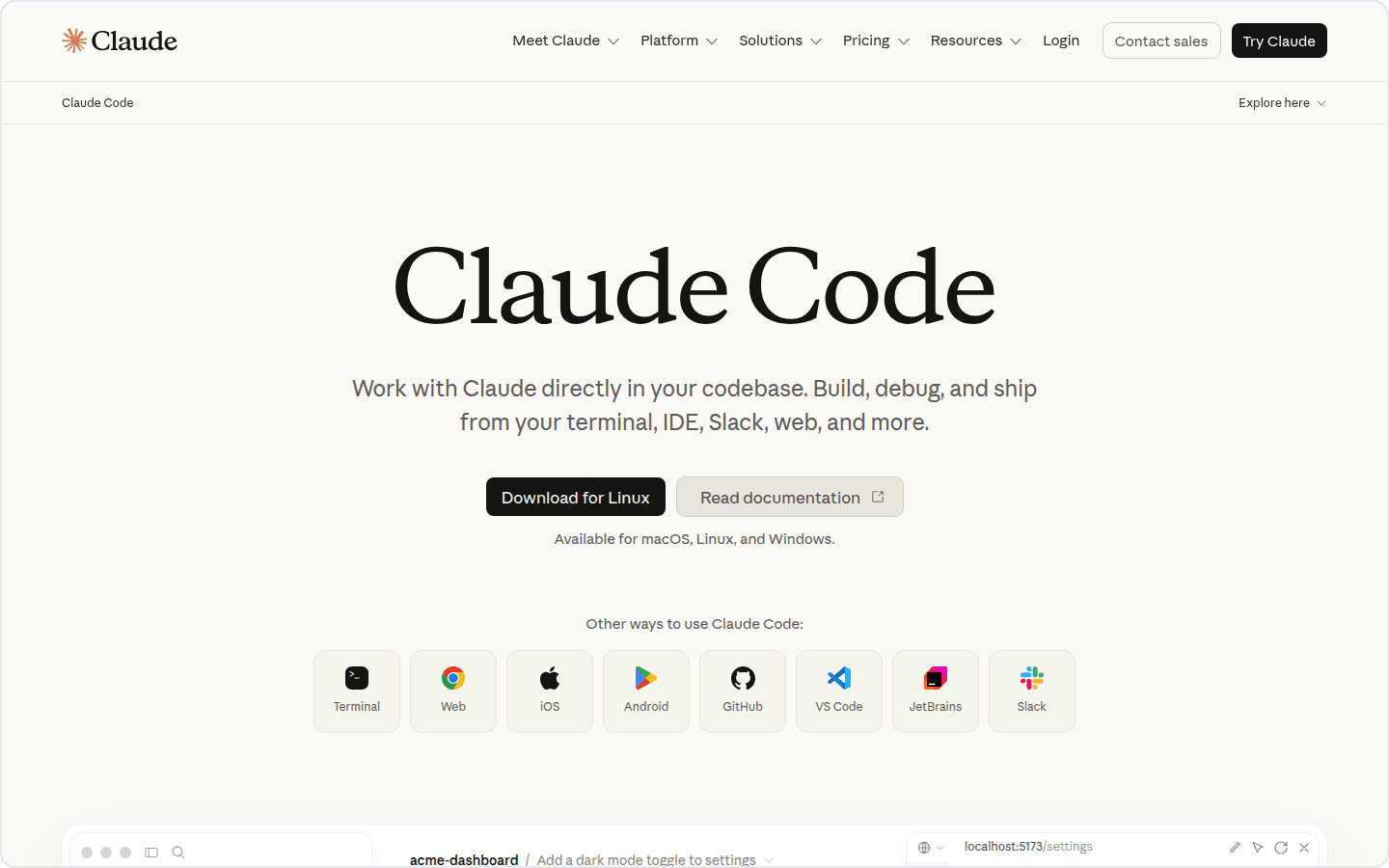
A non-developer can open the application and ask for a landing page or a small tool. The hard part begins when a package fails, a secret is missing, a deployment breaks, or the proposed change has consequences outside the visible page. A friendlier interface reduces setup friction. It does not remove the software engineering context.
Claude Code fits designers who already edit front-end files, technical founders, no-code builders who have started owning a repository, and product people who can review the resulting application. It is a poor default for inbox triage, CRM cleanup, recurring campaign reports, or customer follow-ups.
What is OpenAI Codex?
OpenAI Codex is OpenAI’s software engineering agent family. Codex includes an app, CLI, IDE extension, cloud environments, and experiences inside ChatGPT. It can work on several coding tasks in parallel, modify repositories, run code, and prepare changes for review.
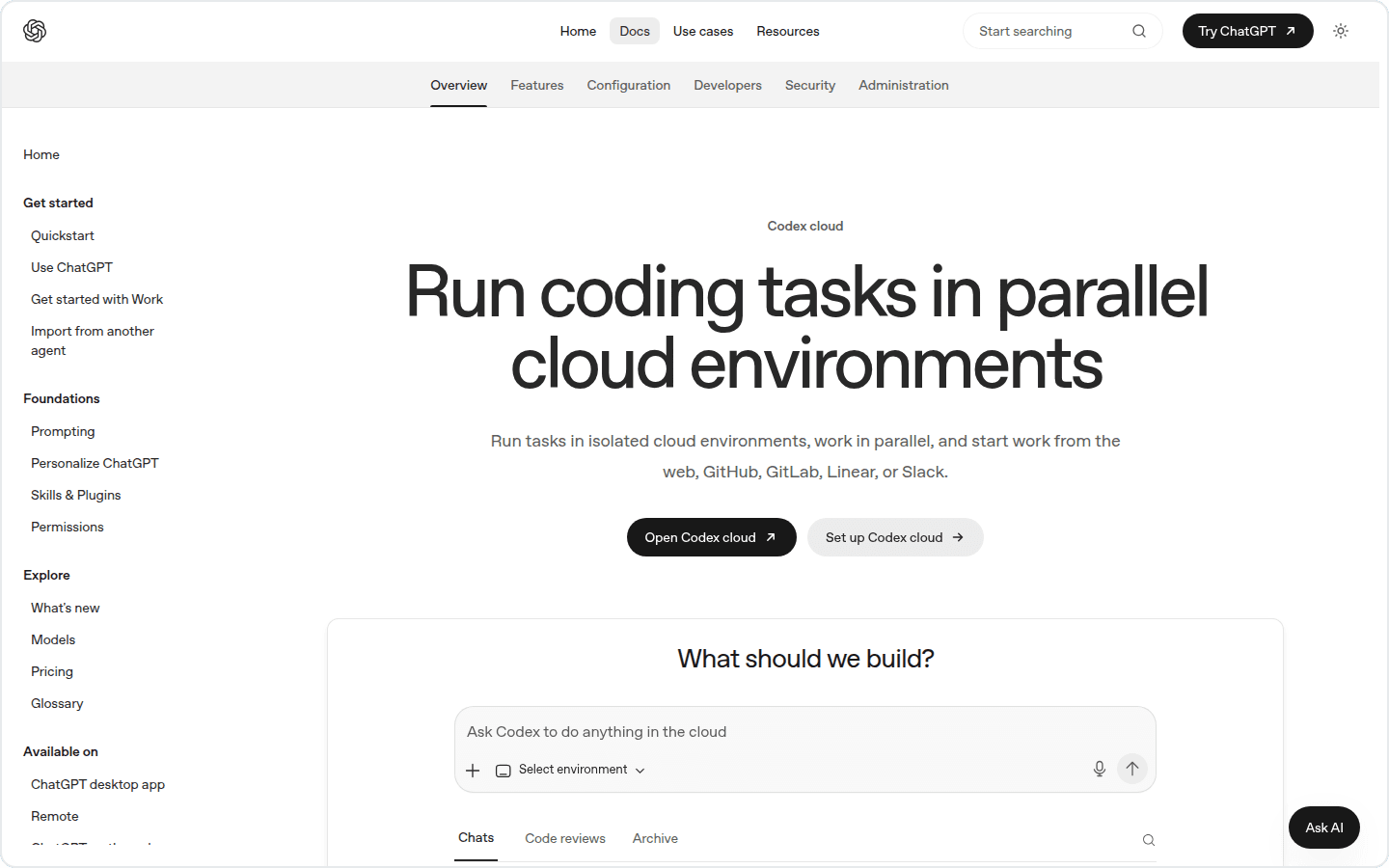
Searches such as “Codex without coding” and “Codex without terminal” reveal a real demand. People want the autonomy of a coding agent without adopting a developer’s workflow. The Codex app helps with the terminal part. The main objects are still code projects and software changes.
If your desired output is a working software feature, Codex belongs on the shortlist. If your desired output is a Monday revenue report assembled from Stripe, HubSpot, and Google Sheets, choose a business agent or automation product.
Claude Code vs Codex
Both are strong choices for code. The better fit often follows the surrounding environment: Claude and Anthropic tooling on one side, ChatGPT and OpenAI tooling on the other. Repository access, review practices, model preference, and team policy matter more than a generic winner label.
For options aimed specifically at people who do not work in repositories, see our guide to Claude Code and Codex alternatives for non-developers.
Cursor, Devin, Replit Agent, and v0 sit nearby. Cursor centers the development editor. Devin takes on longer software tasks. Replit Agent combines building and hosting inside Replit. v0 turns prompts into web interfaces and applications. They deserve attention when the finished work is software, not when the job spans a company’s inbox, CRM, analytics, and internal documents.
Manus, Claude Cowork, and ChatGPT Agent: general-purpose digital workers
This group is closest to the science-fiction idea of “give the computer a goal and come back later.” The agent receives a virtual or remote computer, browses websites, works with files, and returns an artifact.
What is Manus AI?
Manus AI is a general autonomous agent with its own sandboxed virtual computer. It can plan a task, browse the web, install software, create files, write scripts, and deliver a finished result.
Manus works well for a bounded project: research a market, compare suppliers, create a presentation, prepare a spreadsheet, or build a prototype. You describe an outcome in chat and inspect the resulting files and activity.
Its main unit of work is usually a task for one user. That makes Manus easy to understand and useful for one-off deliverables. A team that needs recurring jobs, shared context, workspace permissions, and work triggered from its existing communication channels should also evaluate team-oriented agents.
What is Claude Cowork?
Claude Cowork extends Claude from chat into multi-step knowledge work. Give it a goal and access to selected files and tools; it works on the task and returns a deliverable for review. Anthropic positions it beside Chat and Claude Code: Chat for conversation, Cowork for delegated knowledge work, Code for software.
Cowork is the most approachable Claude product for a non-developer who wants to hand off document-heavy work. It also keeps the experience personal. Claude Tag is Anthropic’s team-facing product.
Where ChatGPT Agent fits
ChatGPT Agent brings browsing and action-taking into a product many people already use. It is a sensible first test for personal tasks if you already pay for ChatGPT and do not need a separate team operating model.
Manus, Cowork, and ChatGPT Agent reduce setup because the vendor operates the computer and agent runtime. Their biggest question is scope: are you delegating a task from your own account, or assigning an ongoing responsibility that a team should share?
Claude Tag, Lindy, Viktor, and VM0: AI agents for teams
Team agents live where work is discussed, connect to company systems, and keep context beyond one person’s private chat. Permissions and audit history matter here because the agent can act for more than one user.
What is Claude Tag?
Claude Tag brings a shared Claude identity into Slack. Administrators select channels, tools, data sources, spend limits, and access boundaries. Team members mention @Claude, delegate work, and receive the result in a thread.
Claude Tag can remember permitted channel context, work asynchronously, schedule tasks, and run several delegated jobs in parallel. It is a natural fit for organizations already standardized on Claude Team or Enterprise and comfortable with Anthropic’s model family.
What is Lindy AI?
Lindy is a no-code business agent product focused on recurring operational work. Its current product centers on a company Slack teammate, with private assistants in direct messages and a shared assistant in channels. Lindy can answer from company context, draft work, and run routines on a schedule.
Lindy’s workflow builder is useful when a business process starts with an event such as a new email, calendar meeting, or CRM record. The user defines instructions, available skills, a model, and exit conditions. It is well suited to sales, recruiting, inbox, meeting, and customer operations.
What is Viktor AI?
Viktor presents itself as one AI employee for a whole business. It works through Slack and Microsoft Teams, connects to company tools, completes tasks, produces files and dashboards, and schedules recurring work.
The product is easy to explain to a non-developer: install the teammate, connect systems, and assign a job in chat. Viktor is a close comparison for any buyer looking for an AI employee, an AI coworker in Slack, or a shared agent for multiple functions.
Where VM0 fits
VM0 is a managed AI agent platform for teams that want agents to own real work across their existing tools. It connects to more than 1,400 tools, works in Slack and on the web, remembers context, runs scheduled tasks, and can create specialized agents for research, triage, outreach, engineering, and operations.

The product sits between a single AI employee and a do-it-yourself agent system. A team can create multiple agents with distinct instructions, roles, tool access, and recurring workflows. It can also choose among supported models instead of building every agent around one model vendor.
Permissions are set per tool and per agent. Each run executes in an isolated microVM and produces an auditable activity trail. Those details become important when the agent moves from reading public pages to handling Gmail, GitHub, Notion, Linear, HubSpot, Sentry, or a production workflow.
VM0 will not replace OpenClaw for someone whose goal is to own a local personal agent. It will not replace Claude Code or Codex for a developer who spends the day changing a codebase. It fits the non-developer or cross-functional team asking a different question: Can we assign recurring work in plain English and let several specialized agents carry it across the tools we already use?
Examples include a Monday campaign brief, daily Sentry triage, KOL research written into Notion, lead follow-ups drafted from Gmail and HubSpot, or decisions extracted from Slack into a searchable record.
If that is the job, start with VM0 and assign one recurring responsibility before creating a collection of agents.
n8n, Zapier, and Make: automation platforms with agent features
n8n, Zapier, Make, and Activepieces also appear in AI agent comparisons. Their roots are workflow automation. A person defines a trigger and a sequence of steps; newer agent features allow a model to decide which tool or branch to use inside that process.
This can be exactly right. A rule such as “when a form arrives, validate the fields, enrich the company, and create a CRM record” benefits from a visible, repeatable workflow. An open-ended request such as “investigate why pipeline conversion fell and prepare a report” gives an agent more room to plan.
Choose workflow automation when the path must be explicit. Choose an agent when the goal is clear but the path can change. Many companies will use both: automations for predictable movement of data, agents for judgment-heavy work around that data.
How to choose an AI agent without being a developer
Do not start with benchmark scores. Start with the operating model.
1. Decide who will maintain it
OpenClaw and Hermes Agent give you control because your team operates the system. Hosted products give up some control in exchange for less maintenance. Be honest about who will own updates, credentials, outages, and debugging six months from now.
2. Name the work surface
Codebase work points toward Claude Code, Codex, Cursor, Devin, Replit Agent, or v0. A remote computer and one-off deliverable point toward Manus, Cowork, or ChatGPT Agent. Shared work across Slack and business systems points toward Claude Tag, Lindy, Viktor, or VM0.
3. Check the exact tools and actions
“Integrates with Gmail” is incomplete. Can the agent only read messages, or can it draft, label, and send? Can permissions be narrowed per agent? Does a human approve sensitive actions? Check the exact action list for the systems that matter to you.
4. Separate personal memory from team knowledge
A personal agent can learn how one person works. A team agent needs boundaries: which channels it can read, whose identity it uses, which agent can access finance, and whether corrections become reusable team knowledge.
5. Test one recurring responsibility
A polished demo proves very little. Give the agent a job with a known answer and a weekly cadence. Review its sources, corrections, tool calls, cost, and failure behavior. Expand access after the same task succeeds repeatedly.
Frequently asked questions
What is the difference between OpenClaw and Claude Code?
OpenClaw is a self-hosted gateway that connects a personal AI agent to chat channels, memory, skills, tools, and scheduled jobs. Claude Code is a software engineering agent centered on reading and changing code. OpenClaw can route work to coding agents, but its product idea is a personal assistant you operate.
Is Claude AI an agent?
Claude is a product family rather than one agent experience. Claude Chat answers and works with tools inside a conversation. Claude Cowork takes on multi-step knowledge work, Claude Code works on software, and Claude Tag gives a team a shared agent in Slack.
OpenClaw vs Hermes Agent: which is better?
Choose OpenClaw for a self-hosted personal assistant with broad messaging-channel support. Choose Hermes Agent if persistent learning, generated skills, model choice, and execution flexibility are the priority. Both expect an operator who can manage setup and security.
Is OpenClaw free?
OpenClaw is open source under the MIT license. You may still pay for model usage, a server, storage, and the time required to maintain the installation.
What is Hermes Agent, and can non-developers use it?
Hermes Agent is Nous Research’s self-improving agent system with persistent memory, skills, scheduling, sub-agents, and multiple model providers. Hermes Desktop makes it accessible to more people, but advanced setup and long-term operation still benefit from technical experience.
Searches for “Hermes AI” in this context usually refer to Hermes Agent from Nous Research. Check the vendor name because several unrelated products also use Hermes branding.
What is the best Hermes Agent alternative?
OpenClaw is the closest alternative if you want another self-hosted personal agent system. Claude Cowork or Manus removes most infrastructure work for an individual. Lindy, Viktor, and VM0 are managed Hermes Agent alternatives when the real requirement is recurring work for a business team.
Can a non-developer use Claude Code or Codex?
Yes, especially through their desktop and web interfaces. They are best when the work produces or changes software. A non-developer still needs a way to review code, handle failures, and deploy the result safely.
Claude Code vs Codex: which should I choose?
Choose based on your existing vendor environment, repositories, review process, and preferred models. Both are coding agents that can inspect projects, run commands, edit files, and prepare changes. Neither is the natural first choice for general business operations.
Is Manus AI an AI agent?
Yes. Manus is a general autonomous agent that receives a goal, works in a sandboxed cloud computer, uses tools, and returns completed files or other deliverables. It is strongest for bounded projects assigned by an individual user.
What is the best Manus alternative for a team?
Claude Cowork is close when one person wants to delegate knowledge work. Lindy, Viktor, Claude Tag, and VM0 fit teams that need shared access, connected company tools, or scheduled jobs. The best Manus alternative depends on whether the work is a one-off project or an ongoing responsibility.
What is the best OpenClaw alternative for a business team?
Claude Tag, Lindy, Viktor, and VM0 are easier starting points when the goal is a managed team agent rather than a self-hosted personal assistant. VM0 is designed for multiple specialized agents, recurring workflows, granular tool permissions, and work across more than 1,400 integrations.
How do Lindy AI, Viktor AI, and VM0 compare?
Lindy combines a Slack teammate with a no-code workflow builder. Viktor presents one shared AI employee in Slack and Microsoft Teams. VM0 is built around multiple specialized agents, reusable workflows, model choice, and per-agent tool permissions. Buyers searching for a Lindy AI alternative or Viktor AI alternative should compare the operating model before comparing feature counts.
What is the difference between an AI agent and AI automation?
Automation follows a defined path: a trigger starts known steps. An AI agent chooses its next step based on the goal and what it observes. Products such as n8n, Zapier, and Make combine both approaches by placing agent decisions inside structured workflows.
Which AI agent is best for non-developers?
For one-off personal work, start with Manus, Claude Cowork, or ChatGPT Agent. For recurring work owned by a business team, compare Claude Tag, Lindy, Viktor, and VM0. For a personal self-hosted system, OpenClaw and Hermes Agent are strong choices if a technical operator is available.
The simplest way to remember the market
OpenClaw and Hermes Agent give the operator a personal agent system. Claude Code and Codex give software teams coding agents. Manus and Cowork give an individual a general digital worker. Lindy, Viktor, Claude Tag, and VM0 give teams a way to delegate work.
The names will keep changing. The decision will not.
Ask who operates the agent, what systems it can act in, how authority is controlled, and whether the work belongs to one person or the team. Once those answers are clear, the shortlist usually becomes obvious.
Sources and methodology
Product descriptions were checked against first-party pages on August 25, 2026:


